
The Beginners Guide to Getting Medical Information Organized
The Beginner’s Guide to Getting Your Child’s Medical Information Organized:
Organization Matters for Caregivers
If your child lives with a chronic illness or complex medical needs, you know how quickly the paperwork, notes, and records can pile up. Between doctor visits, hospital stays, insurance calls, and medication changes, it’s easy to feel buried in details.
Getting organized isn’t just about neatness—it’s about peace of mind. A clear system saves time, lowers stress, and helps you advocate more effectively for your child’s care.
Here is a quick overview on simple, effective ways to organize your child’s medical information so you can reduce stress, communicate clearly with providers, and feel confident managing care.
1. Choose One Central System
Decide whether you prefer digital, paper, or a hybrid approach.
• Digital: Tools like Google Drive, Dropbox, or CareZone make it easy to store and share files.
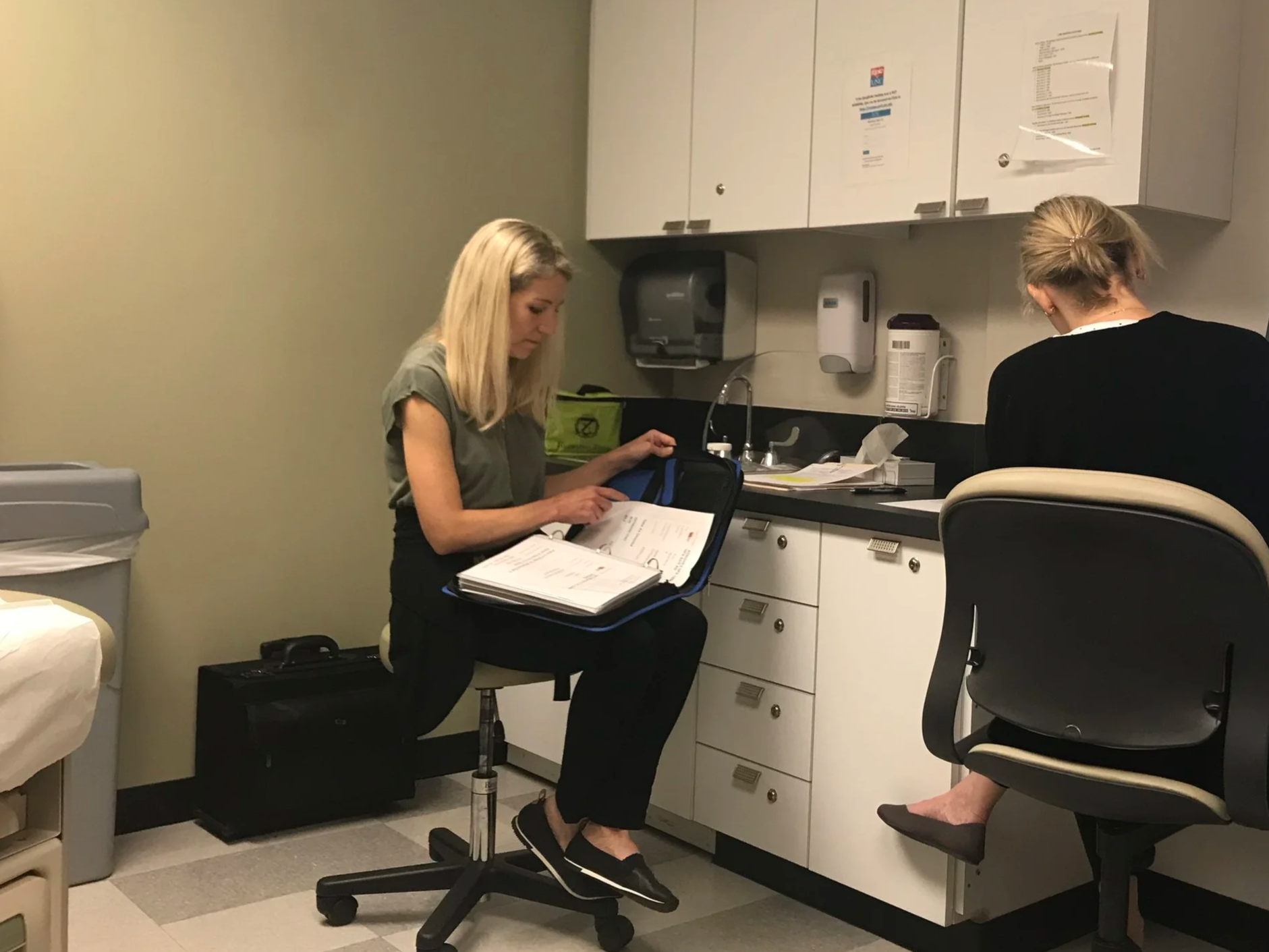
• Paper: A sturdy binder or accordion folder with labeled sections can be just as effective.
The best system is the one you’ll actually use—so keep it simple and accessible.
2. Create Clear Categories
Organize your child’s medical information into easy-to-find sections. Common categories include:
• Medical History & Diagnoses
• Medication List
• Provider Contacts & Appointments
• Test Results & Imaging
• Insurance Information
• Care Plans & Discharge Summaries
Add a “Notes” section for questions, observations, or updates you want to share with your care team.
3. Keep a Current Medication List
This is one of the most valuable tools for any caregiver. Include medication names, dosages, timing, prescribing doctors, and any known allergies or reactions. Keep a printed copy in your bag or phone so you can access it instantly during appointments or emergencies.
4. Track Symptoms and Appointments
A simple calendar or spreadsheet can help you notice patterns in your child’s symptoms, energy levels, or reactions to treatments. Documenting this information makes conversations with your healthcare team more accurate and efficient.
5. Review and Update Regularly
Set aside a few minutes each month to update your files. Remove outdated records and add new ones. Consistent updates keep your system trustworthy and easy to maintain when things get busy.
Bonus Tip: Make an Emergency Folder
Create a small, grab-and-go folder that includes:
• Current medication list
• Emergency contacts
• Insurance card copy
• Key medical summaries or care plans
Store one at home and one in your car or go bag for peace of mind.
⸻
You Don’t Have to Do It Alone
Organizing your child’s medical information can feel like a big job—but you can start small. One folder, one section, one update at a time. Each step brings more clarity, confidence, and calm.
If you’d like personalized help setting up an easy-to-maintain medical organization system for your family, I offer one-on-one caregiver coaching to help you feel supported and in control.
